

Your dive log, as a card for your socials.
Your stats and depth profile on your own photo, made entirely on your iPhone.
Coming soon to the App StoreSee the layouts
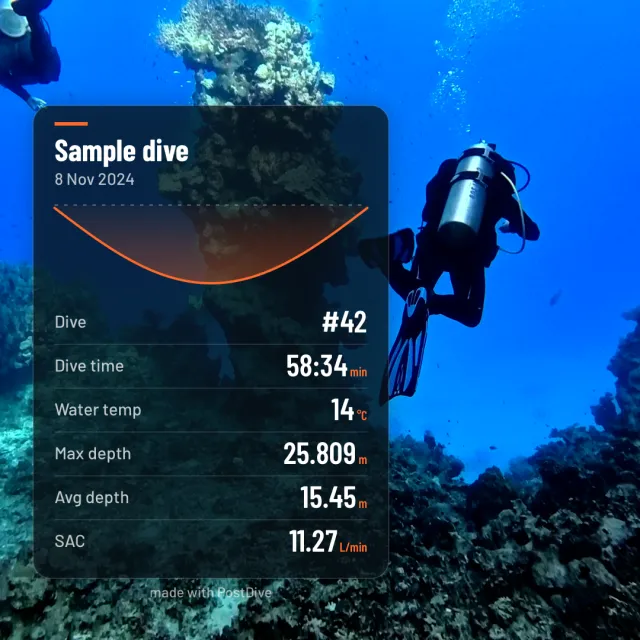
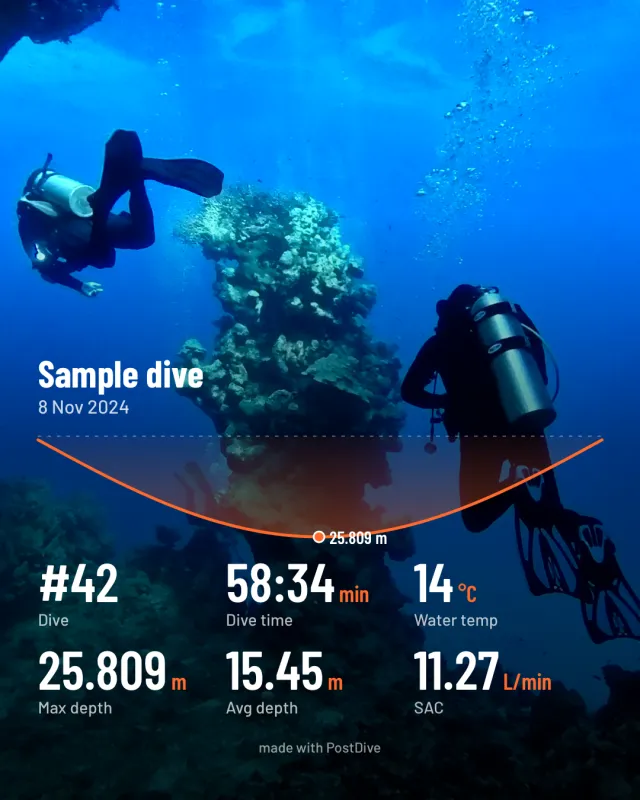
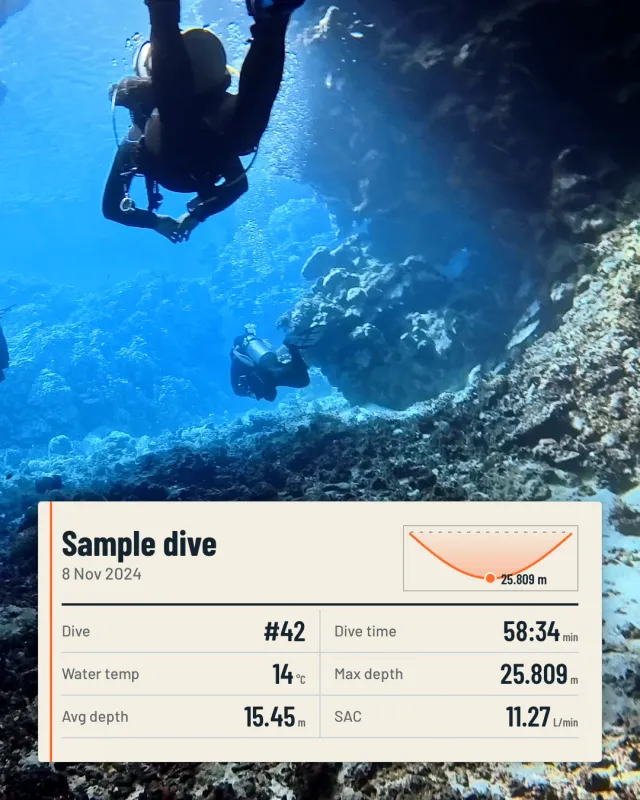
Six layouts. Three shapes.
Pick the stats and their order, then the layout: Profile, Computer, Minimal and Trace are free; Logbook and Frame come with PostDive Pro. Every layout fits a Post, a square and a Story.
Profile Free
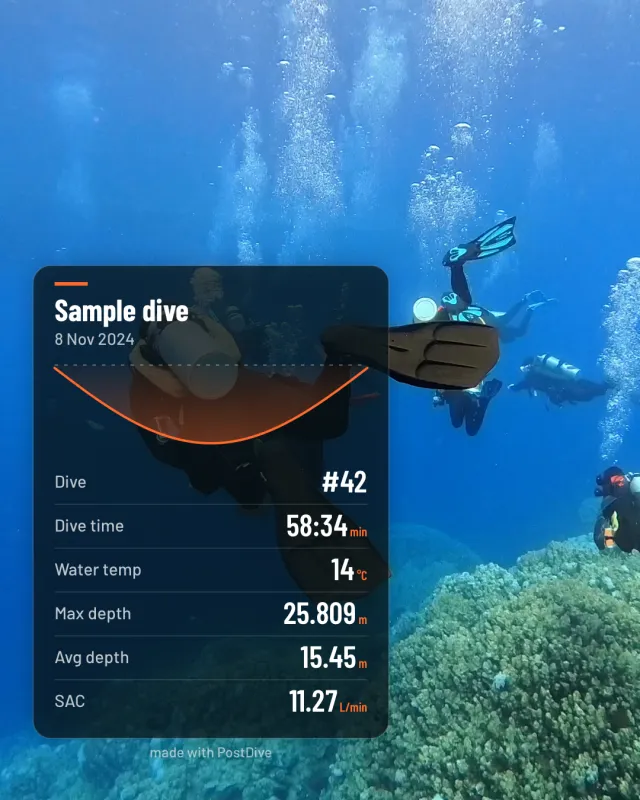
Computer Free
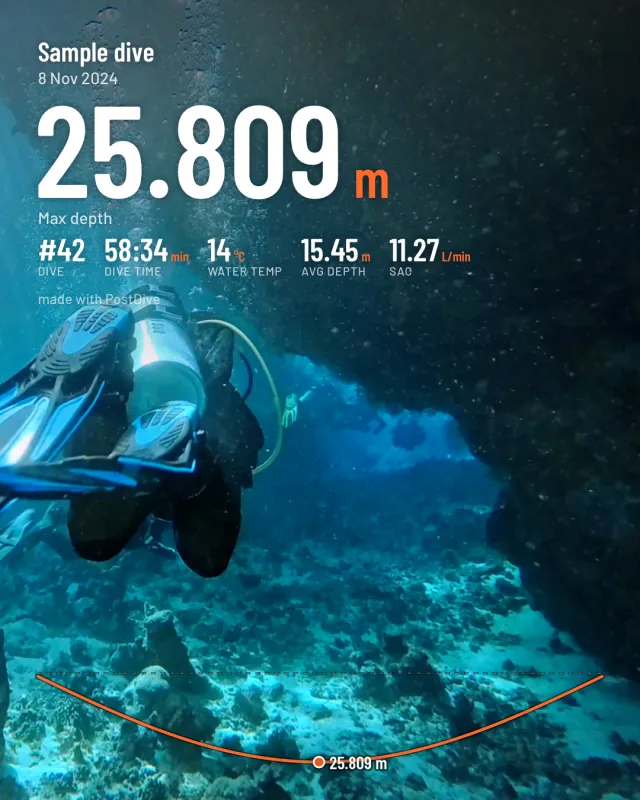
Minimal Free
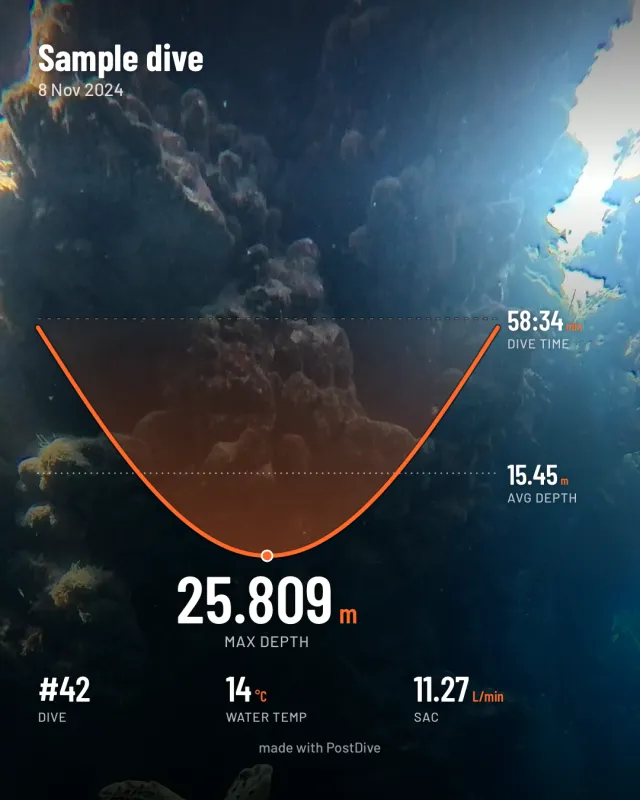
Trace Free
Logbook Pro
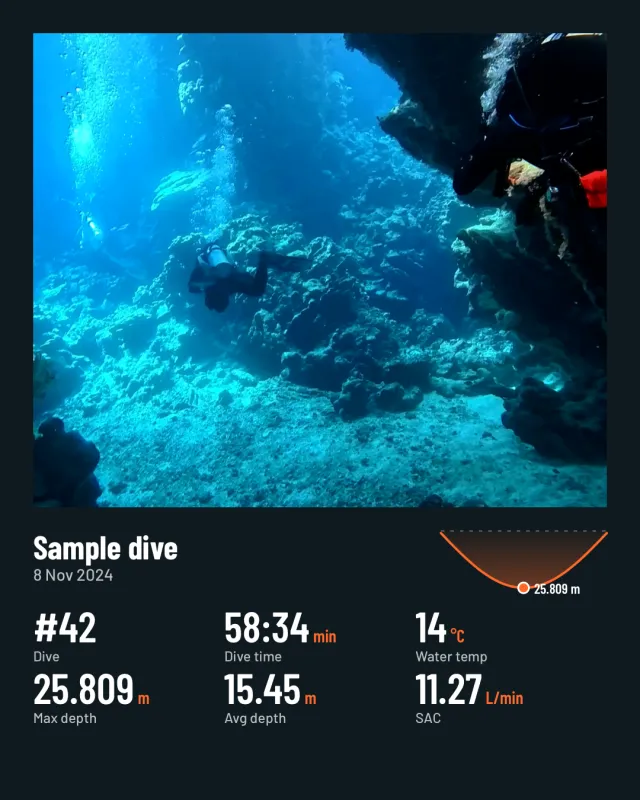
Frame Pro
One layout, three shapes:
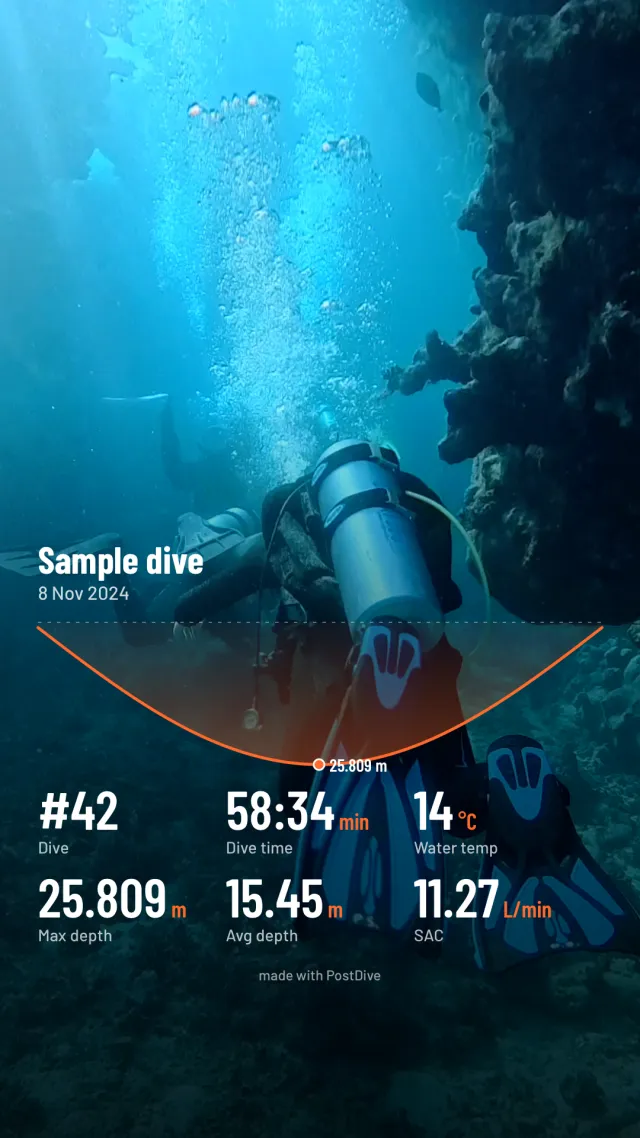
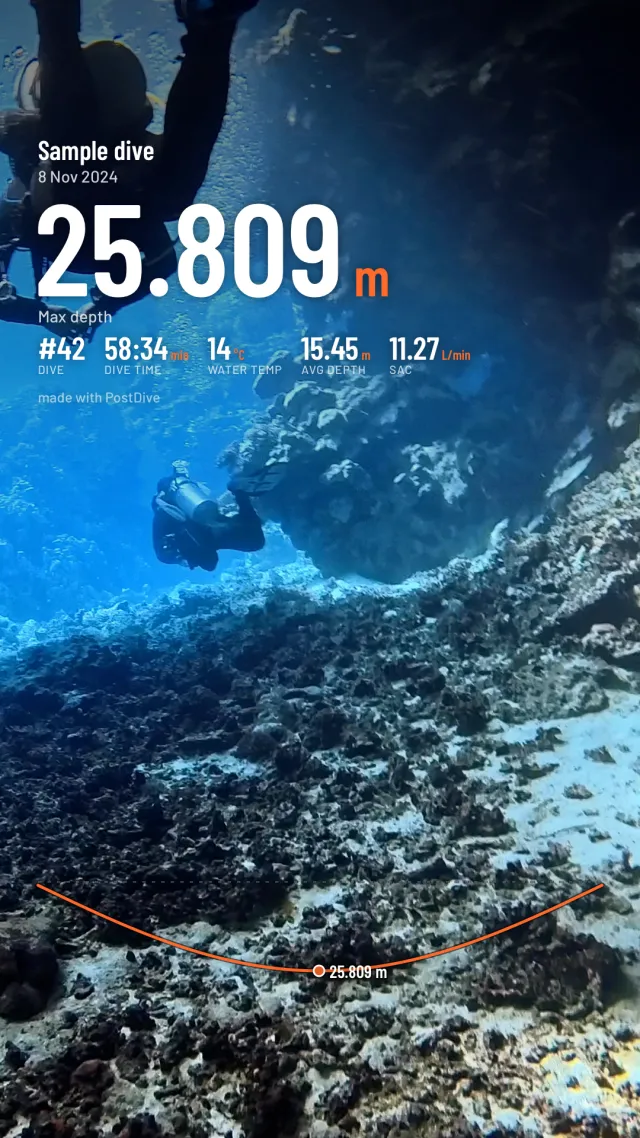
Story 9:16
Post 4:5
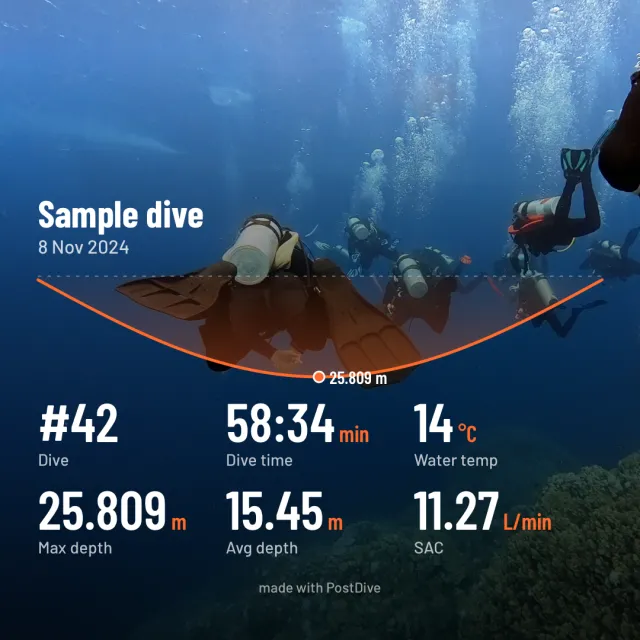
Square 1:1
Every card on this page was drawn by PostDive from its built-in sample dive, over frames from the developer's own dive videos, filmed in the Red Sea.
25.809 m stays 25.809 m.
Every value from your log is shown exactly as recorded; the app never rounds it. To round a value, edit it.
Calculated values show their working. SAC is calculated from your dive time, average depth, tank size and start and end pressures, in L/min or bar/min, and its note shows the whole calculation and where each number came from.
Get your dive into PostDive
- Open the Garmin Dive app and tap your dive.
- Tap ⋮ at the top right and choose Export Dive as FIT File.
- In the share sheet, choose PostDive. The dive opens here.
No app at hand? On the Garmin Connect website, open your dive, choose Export Original and share the .zip to PostDive, or tap Import Dive in PostDive and pick the file in Files. You can also try the sample dive or enter your stats by hand.
Then share the image, save it to Photos or copy it. Or copy the stats as a transparent sticker to lay over a Story.
Everything stays on your iPhone.
No account. No ads, no tracking, no analytics. Your dive log and your photos are never uploaded, and the images you export carry no location or camera data.
Free, with a one-time Pro.
The free version is complete: every stat, four layouts and every export, with a small “made with PostDive” mark.
PostDive Pro is an optional one-time in-app purchase, not a subscription. It removes the mark and adds two more layouts (Logbook and Frame), three more fonts and any accent colour. Includes Family Sharing.
Your next dive, ready to post.
Coming soon to the App StoreQuestions? See Support